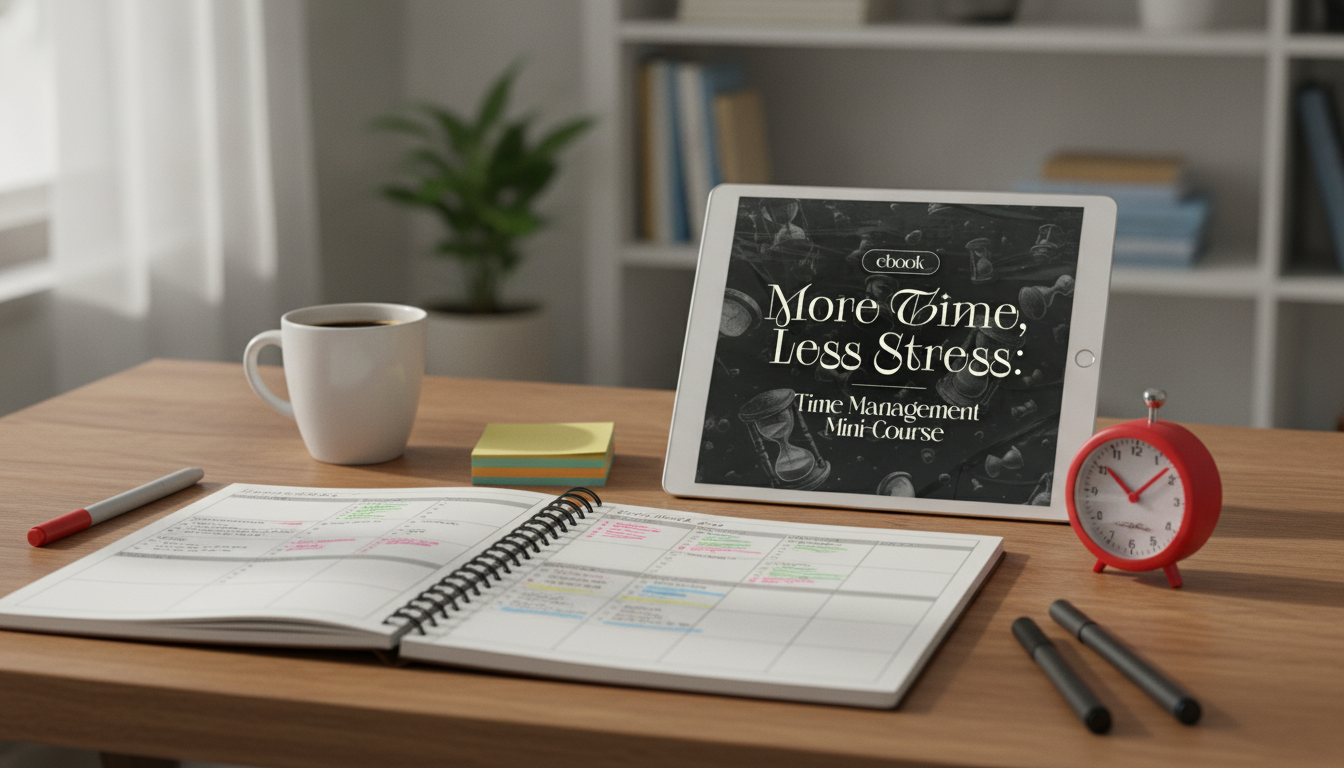
Busy schedules rarely fail because of a lack of effort—they fail because priorities, focus, and time are managed without a consistent method. When every day is built on reacting, the “urgent” keeps winning, deep work gets pushed late, and stress becomes the background noise. The workflow below combines three simple tools—Eisenhower Matrix, time blocking, and Pomodoro sprints—so decisions happen once, the calendar protects what matters, and focus becomes easier to repeat.
Jumping from message to meeting to micro-task leaves “attention residue,” so even straightforward work feels heavier than it should. The cost isn’t just time—it’s the mental restart.
When priorities aren’t explicit, everything looks urgent. That creates a loop of starting many things, finishing few things, and carrying a constant sense of unfinished business.
If focus time isn’t reserved, the day becomes reactive. Important work slips into evenings, weekends, or “someday,” which quietly increases stress. The American Psychological Association notes that chronic stress can affect both body and mind, which makes protecting recovery time part of productivity, not a luxury.
American Psychological Association: Stress effects on the body
This is the order that keeps the system practical: decide what matters first, reserve time for it second, then execute in short sprints.
| Method | Purpose | Best used for | Common mistake to avoid |
|---|---|---|---|
| Eisenhower Matrix | Clarifies priority | Sorting tasks before planning | Labeling everything as urgent |
| Time Blocking | Protects time for priorities | Deep work, admin batches, personal time | Overpacking blocks with unrealistic expectations |
| Pomodoro | Improves focus and momentum | Starting tasks, maintaining concentration | Skipping breaks and burning out |
| Weekly Review | Keeps the system aligned | Reprioritizing and rescheduling | Trying to “catch up” by adding more tasks |
The goal isn’t to categorize perfectly—it’s to decide quickly enough to plan confidently.
For more perspective on practical productivity tradeoffs, Harvard Business Review’s time management coverage is a helpful reference point.
Harvard Business Review: Time management and productivity topics
Time blocking works when it’s built for interruptions, not against them. Think “reserved capacity,” not “a rigid script.”
Small quality-of-life cues can make blocking stick. A simple “start-work ritual” and “end-work ritual” reduces friction. If you like a physical cue on your desk, consider adding a comfort item like the Ultra-Soft 14″ Kawaii Bunny Plush with Long Ears as a visual reminder that breaks are part of the plan, not a reward you have to earn.
The Pomodoro Technique (official site)
Breaks work best when they’re truly breaks. If you’re a pet owner, setting a short “reset break” can be even easier when it includes a quick play session. The Interactive Treat Dispensing Tumbler Toy for Dogs and Cats can turn a 5–10 minute pause into something restorative instead of another scroll session.
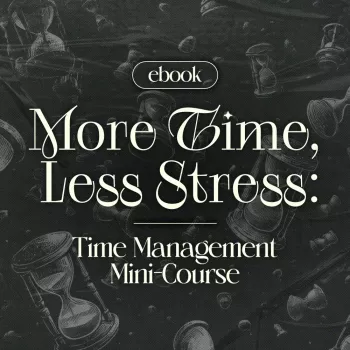
If you want a structured, plug-and-play version of the system—especially for setting up your first weekly template—use More Time, Less Stress: Time Management Mini-Course – Productivity Ebook with Pomodoro, Eisenhower Matrix & Time Blocking Strategies. It’s designed for quick implementation with concise lessons and a written reference you can revisit during weekly reviews.
Start with 25 minutes of focus and a 5-minute break. If you’re doing deeper work, try 40/10 or 50/10, but keep breaks consistent so you don’t burn out.
Do a quick triage: identify the real deadline, the consequence of missing it, and who is impacted. Then delegate what doesn’t require you, and schedule what’s important with buffers so emergencies don’t consume the entire day.
For most people, 2–3 priority blocks plus 1–2 admin windows and at least one buffer block is a realistic start. As you get consistent, adjust block lengths before adding more blocks.












Leave a comment